Run with --diagnose --json to check your Qt version, import path, fonts, runtime and license. No license token is printed.
The Gallery evaluation app is available now. Paid SDK sales and downloads are coming soon. The installation examples above preview the SDK workflow.
Tested Windows configurations
Native window and example smoke checks cover the versions below. Qt 6.8 is a source minimum, not a promise of tested support for every Qt release. Gallery uses software rendering.
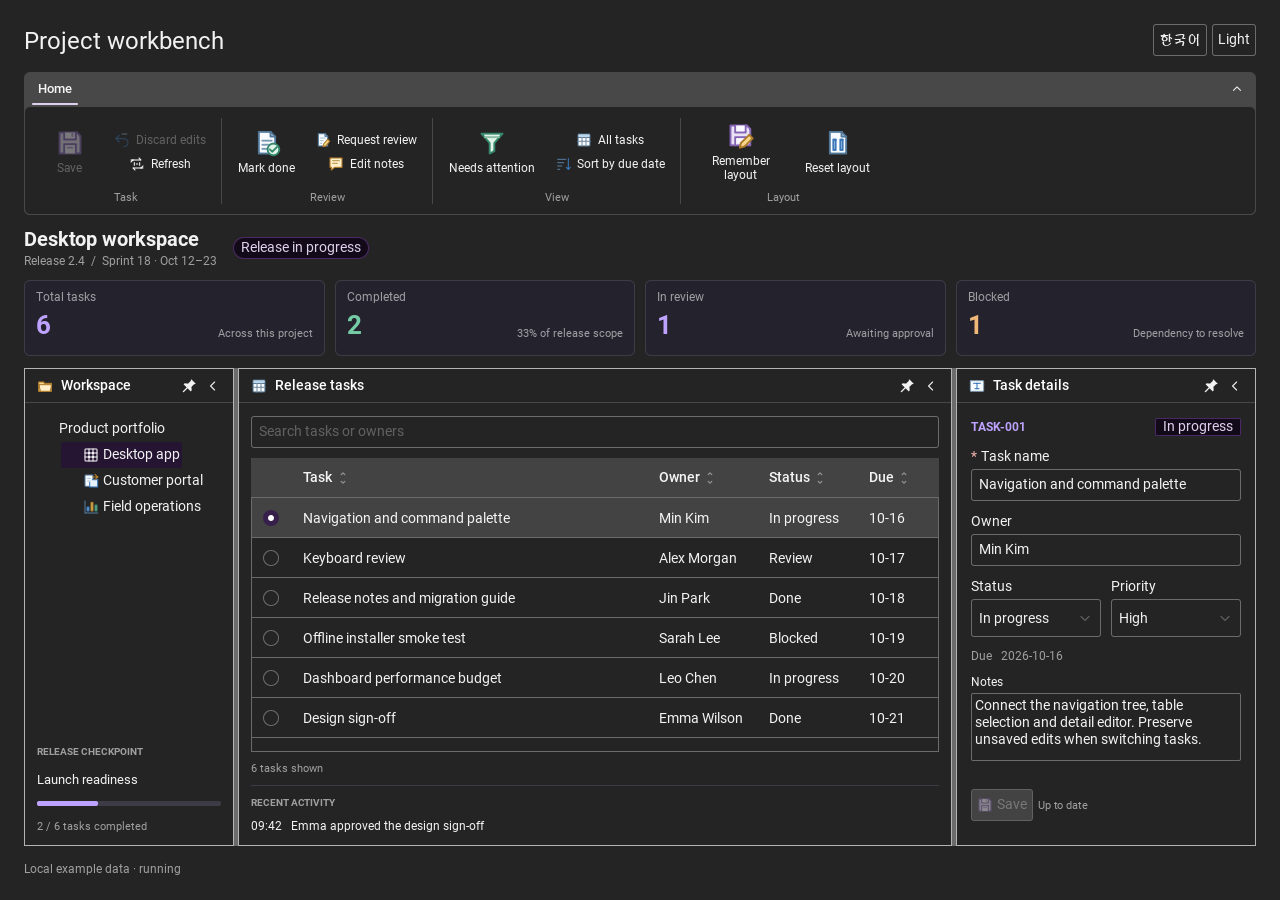
Two complete application examples
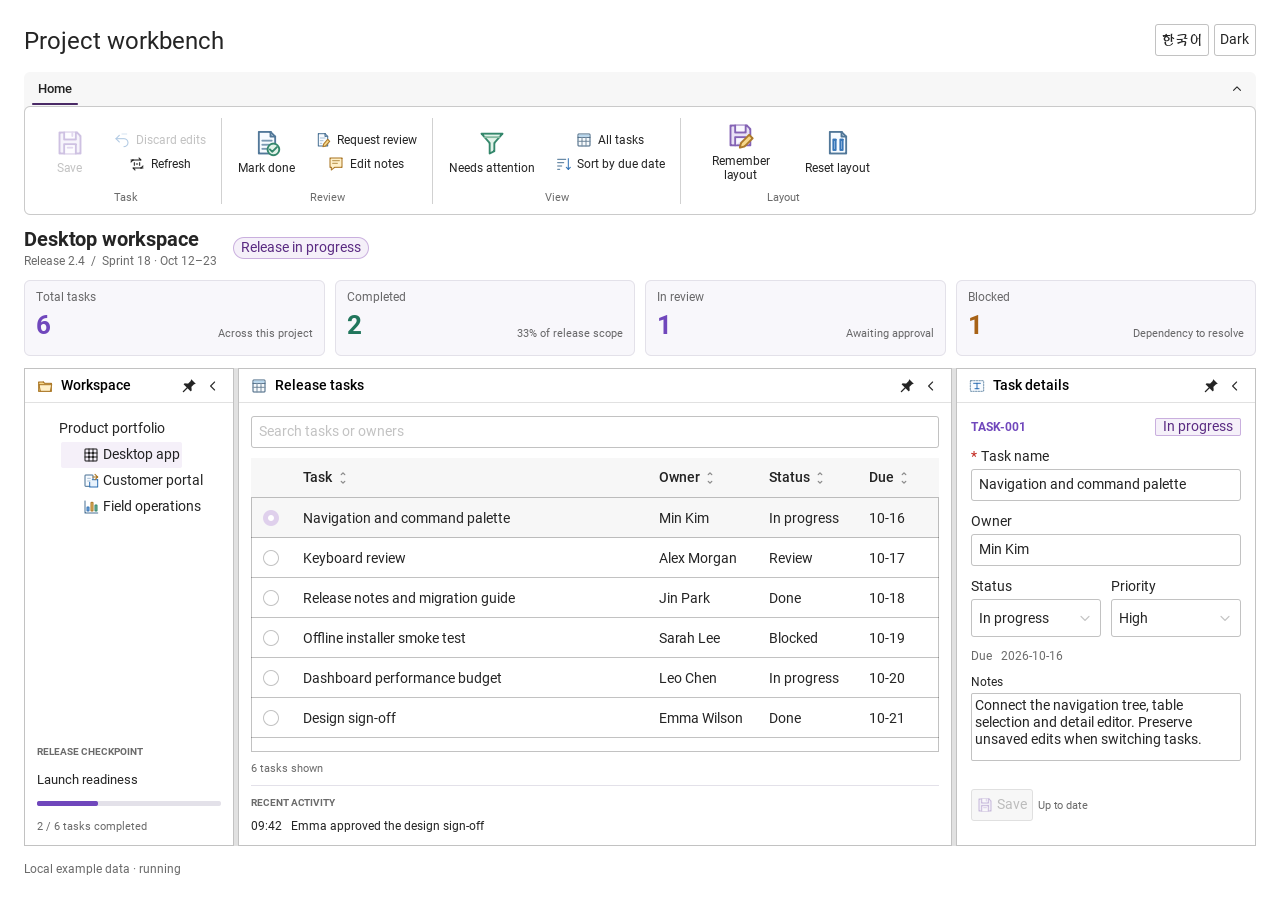
Step-by-step captures from the running Windows applications. Play, pause and inspect each state.
Workbench: mark a task done, save changes and see release progress update.Record Manager: preserve a failed save, retry, search and confirm before deleting.
See the components in context
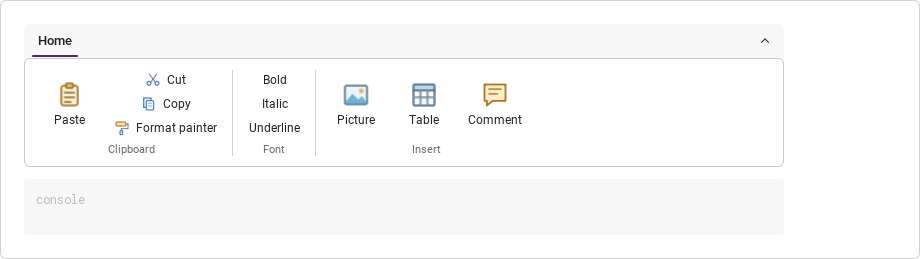
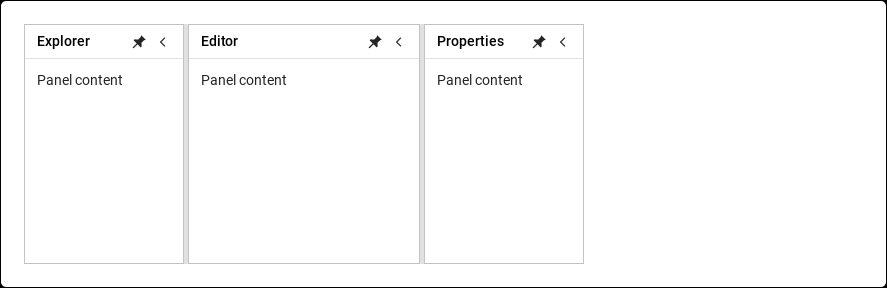
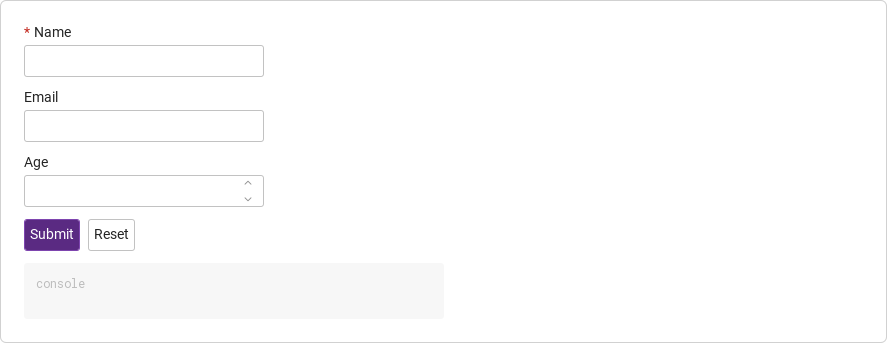
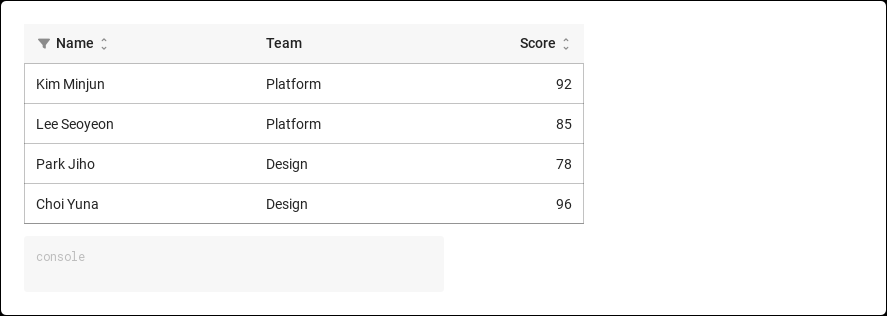
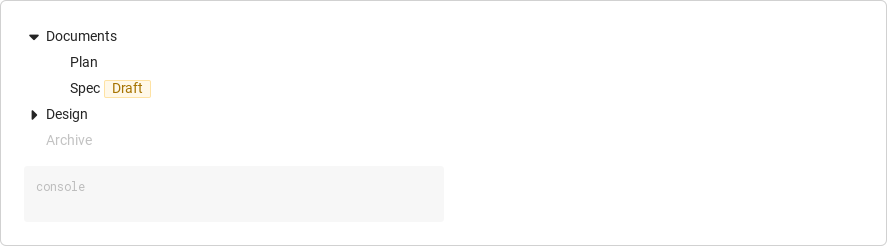
RibbonPanelFormTableTreeTheme
TRY IT YOURSELF
The native Gallery
Browse examples, inspect properties and switch between light and dark themes in a Windows application. The Gallery is for evaluation; commercial SDK access is separate.
The --qml path must contain the Syidax folder. Python uses qml-pure. Run from the unzipped SDK, independently of the source repository.
License is inactive or frozen
Download your QML Core certificate and pass it with --license. Web Core, Chart and Grid certificates do not activate QML. Monthly use ends at expiry. Annual licenses retain only releases covered by their update period.
Qt or plugin mismatch
Check the Qt version and architecture used to build plugins. Do not mix Python Qt bindings. qml-pure removes the compiled plugin ABI dependency.
PDF or icons missing
PDF requires the optional QtQuick.Pdf module. Other Core components remain usable without it. For icon packs and resource paths, read SDK docs/ICON-PACKS.md.
Save failure or corrupt settings
Examples write only to their application-data folder. Check permissions and disk space. Invalid JSON is backed up before reset. A failed save preserves your draft.
Hover or select an item for its QML example and copy button.
Properties
Property
Type
Default
Description
—
—
The SyAvatar members (declared or produced by a Repeater).
string
"stack"
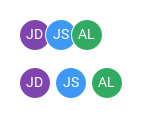
stack (overlap 4 / 6 / 8 px by size) or grid (gap 2 / 4 / 6 px).
string
"medium"
small 24 · medium 32 · large 40; written into every member.
bool
false
true makes every member clickable and enables the "+n" list rows; false leaves a member's own clickable alone.
int
0
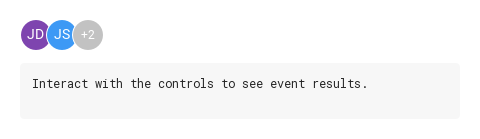
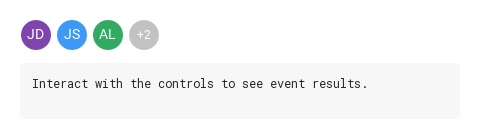
Members shown before the "+n" disc; 0 = all.
var (read-only)
—
The member items.
int
—
How many are drawn
var (read-only)
—
the hidden members.
real (read-only)
—
The avatar diameter
real (read-only)
—
the x distance between members.
Methods
Method
Description
Re-applies size, clickability, visibility and positions to the members (runs automatically on every relevant change).
Signals
Signal
Arguments
When
detail: { letter, text, icon, image }
A visible member was clicked (relayed from the member) or a "+n" list row was clicked; both need clickable.
Behavior
Item
Behavior / conditions
The avatars are the group's children that look like SyAvatar (they expose initials).
At completion, and whenever the children, size, clickable, maxCount or variant change, layout() runs: every member gets the group's size (and clickable: true when the group is clickable — a member's own clickable is left alone otherwise), visible when its index is below shownCount, x = index × step, y = 0, z = index, and its selected is connected to the group's.
At completion, and whenever the children, size, clickable, maxCount or variant change, layout() runs: every member gets the group's size (and clickable: true when the group is clickable — a member's own clickable is left alone otherwise), visible when its index is below shownCount, x = index × step, y = 0, z = index, and its selected is connected to the group's. With the group clickable, the disc and the rows show the pointer cursor, the rows highlight on hover, and a click on a row emits selected with that member's detail and closes the list. The group's selected is the member's selected, relayed: it fires for a visible member only when the member is clickable (every member is when the group is clickable; otherwise the member's own clickable counts) and not disabled. Rows of the list fire only when the group is clickable.
Members shown before the "+n" disc; 0 = all.
stack (overlap 4 / 6 / 8 px by size) or grid (gap 2 / 4 / 6 px).
Re-applies size, clickability, visibility and positions to the members (runs automatically on every relevant change).
small 24 · medium 32 · large 40; written into every member.
true makes every member clickable and enables the "+n" list rows; false leaves a member's own clickable alone.
At completion, and whenever the children, size, clickable, maxCount or variant change, layout() runs: every member gets the group's size (and clickable: true when the group is clickable — a member's own clickable is left alone otherwise), visible when its index is below shownCount, x = index × step, y = 0, z = index, and its selected is connected to the group's.
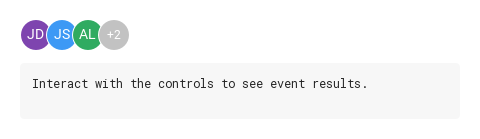
At completion, and whenever the children, size, clickable, maxCount or variant change, layout() runs: every member gets the group's size (and clickable: true when the group is clickable — a member's own clickable is left alone otherwise), visible when its index is below shownCount, x = index × step, y = 0, z = index, and its selected is connected to the group's. implicitWidth = diameter + (shownCount − 1 + (remaining ? 1 : 0)) × step (0 with no members), implicitHeight = diameter. With maxCount > 0, shownCount = min(maxCount, count) and remaining holds the members beyond it; they are hidden and a "+n" disc (same diameter, lightgray tokens, n = remaining.length) is drawn after the last visible member.
At completion, and whenever the children, size, clickable, maxCount or variant change, layout() runs: every member gets the group's size (and clickable: true when the group is clickable — a member's own clickable is left alone otherwise), visible when its index is below shownCount, x = index × step, y = 0, z = index, and its selected is connected to the group's.
At completion, and whenever the children, size, clickable, maxCount or variant change, layout() runs: every member gets the group's size (and clickable: true when the group is clickable — a member's own clickable is left alone otherwise), visible when its index is below shownCount, x = index × step, y = 0, z = index, and its selected is connected to the group's. stack: step = diameter − (4 | 6 | 8); grid: step = diameter + (2 | 4 | 6). implicitWidth = diameter + (shownCount − 1 + (remaining ? 1 : 0)) × step (0 with no members), implicitHeight = diameter.
At completion, and whenever the children, size, clickable, maxCount or variant change, layout() runs: every member gets the group's size (and clickable: true when the group is clickable — a member's own clickable is left alone otherwise), visible when its index is below shownCount, x = index × step, y = 0, z = index, and its selected is connected to the group's.
A visible member was clicked (relayed from the member) or a "+n" list row was clicked; both need clickable.
implicitWidth = diameter + (shownCount − 1 + (remaining ? 1 : 0)) × step (0 with no members), implicitHeight = diameter. With maxCount > 0, shownCount = min(maxCount, count) and remaining holds the members beyond it; they are hidden and a "+n" disc (same diameter, lightgray tokens, n = remaining.length) is drawn after the last visible member.
Hovering the disc opens a 160 px popup under it listing each hidden member as a 24 px disc with its initials and colours plus its label (tooltipContent / text / letter, or "Avatar").
Hovering the disc opens a 160 px popup under it listing each hidden member as a 24 px disc with its initials and colours plus its label (tooltipContent / text / letter, or "Avatar").
Hovering the disc opens a 160 px popup under it listing each hidden member as a 24 px disc with its initials and colours plus its label (tooltipContent / text / letter, or "Avatar").
Hovering the disc opens a 160 px popup under it listing each hidden member as a 24 px disc with its initials and colours plus its label (tooltipContent / text / letter, or "Avatar").
With the group clickable, the disc and the rows show the pointer cursor, the rows highlight on hover, and a click on a row emits selected with that member's detail and closes the list.
The group's selected is the member's selected, relayed: it fires for a visible member only when the member is clickable (every member is when the group is clickable; otherwise the member's own clickable counts) and not disabled.
Keyboard
Item
Behavior / conditions
SyAvatar (the members), SyTooltip (if a hover name is wanted on single avatars), SyCard / SyTable (where member rows usually appear).