Run with --diagnose --json to check your Qt version, import path, fonts, runtime and license. No license token is printed.
The Gallery evaluation app is available now. Paid SDK sales and downloads are coming soon. The installation examples above preview the SDK workflow.
Tested Windows configurations
Native window and example smoke checks cover the versions below. Qt 6.8 is a source minimum, not a promise of tested support for every Qt release. Gallery uses software rendering.
Two complete application examples
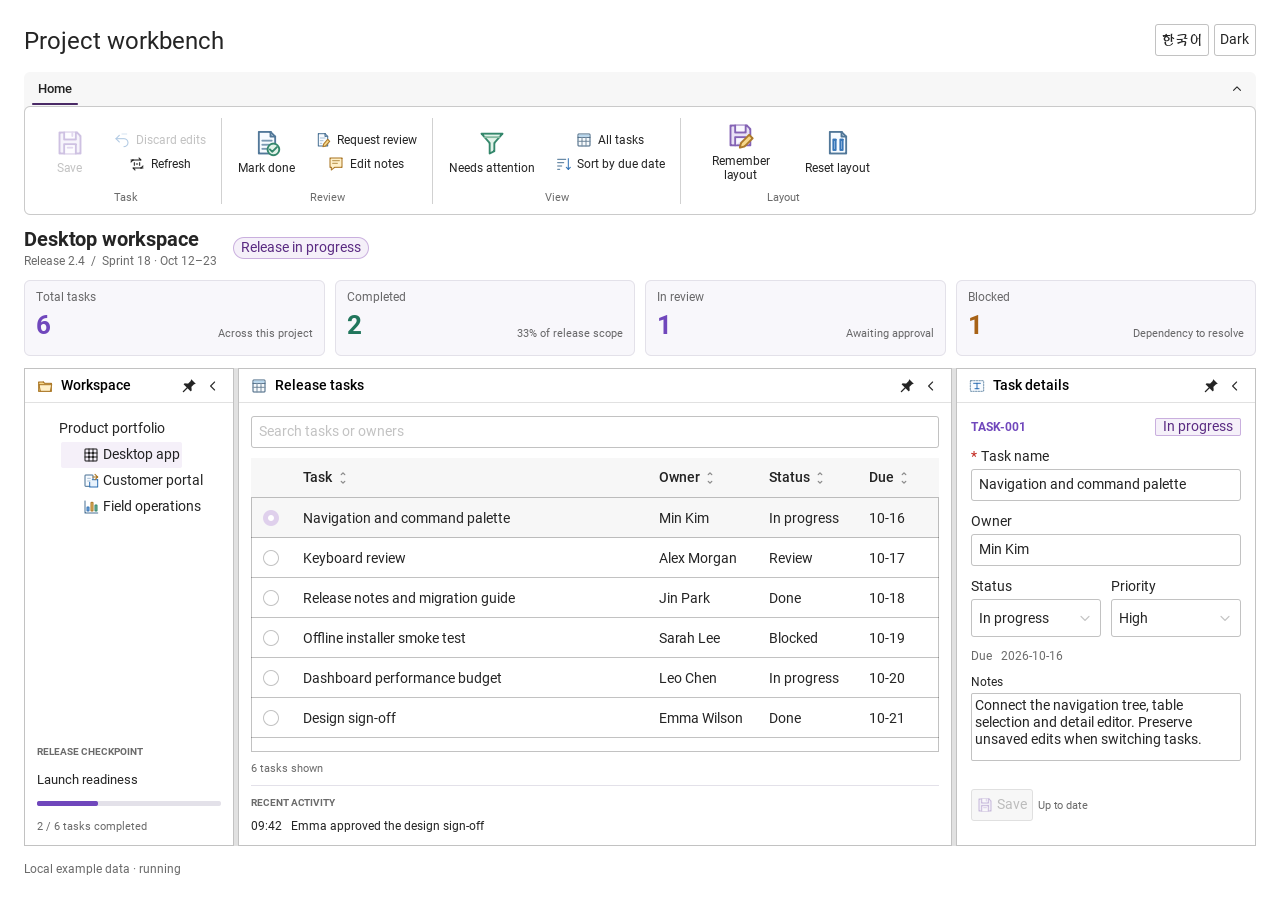
Step-by-step captures from the running Windows applications. Play, pause and inspect each state.
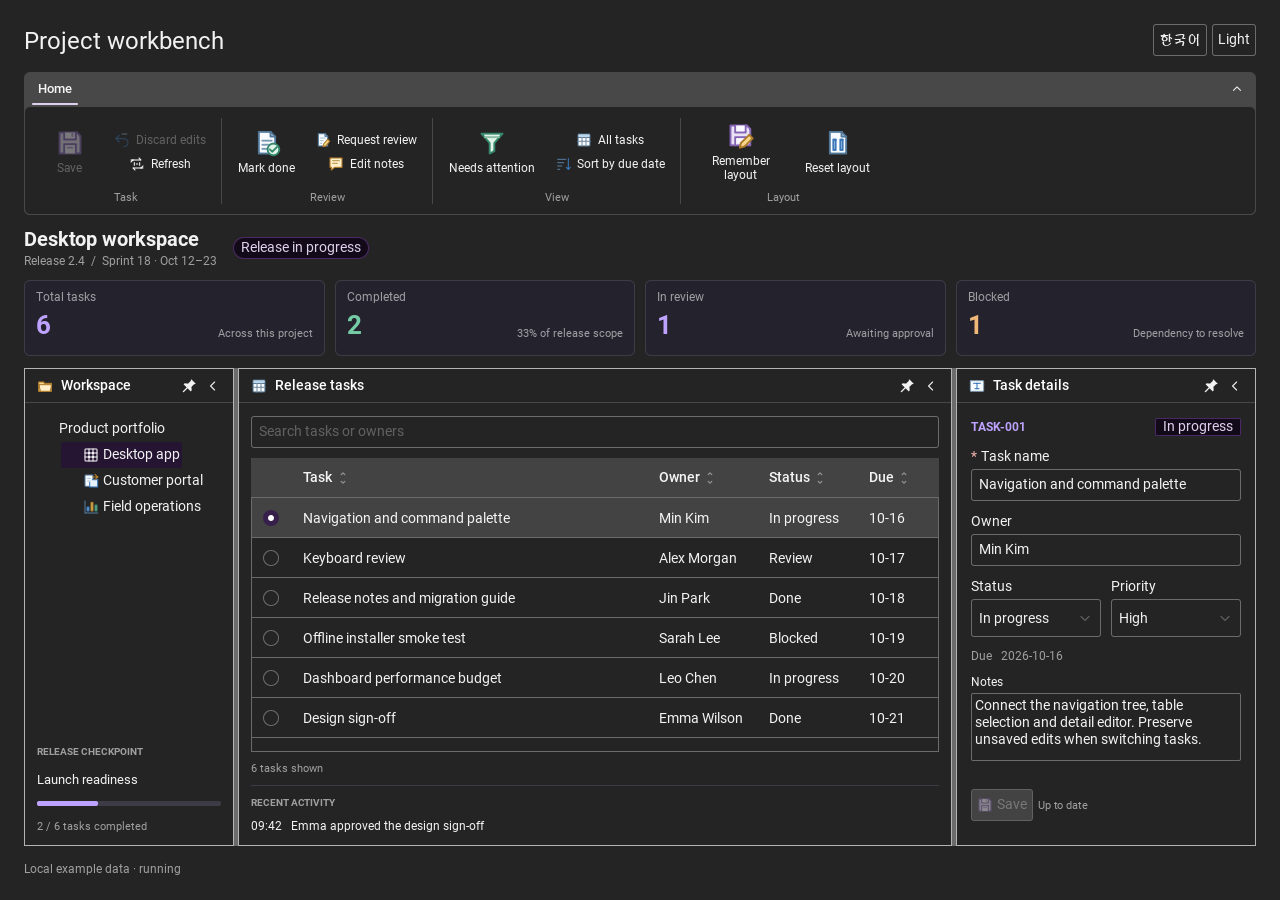
Workbench: mark a task done, save changes and see release progress update.Record Manager: preserve a failed save, retry, search and confirm before deleting.
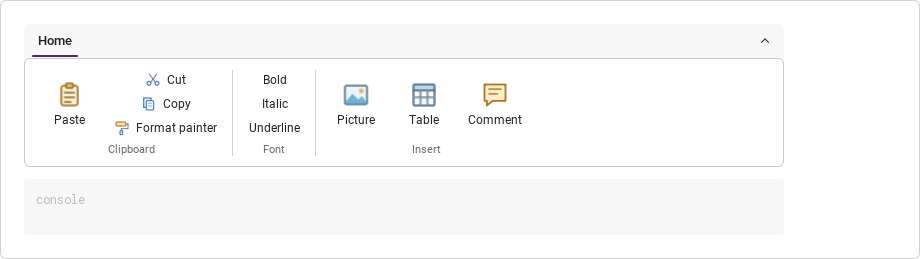
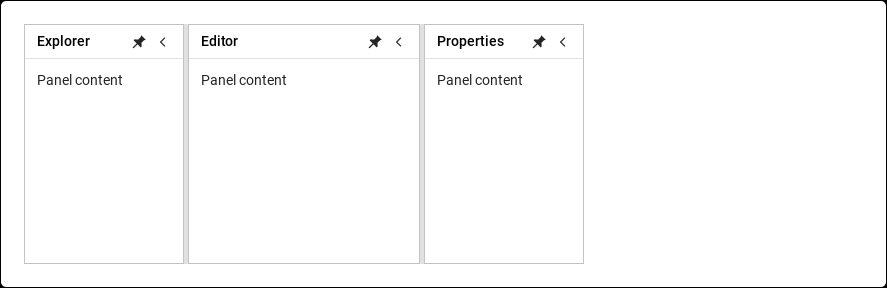
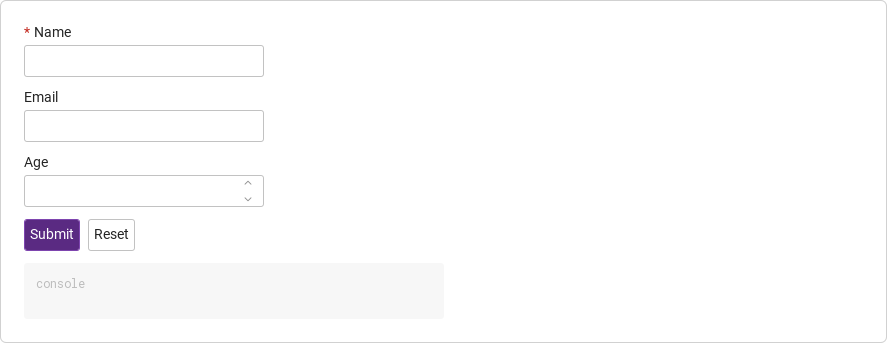
See the components in context
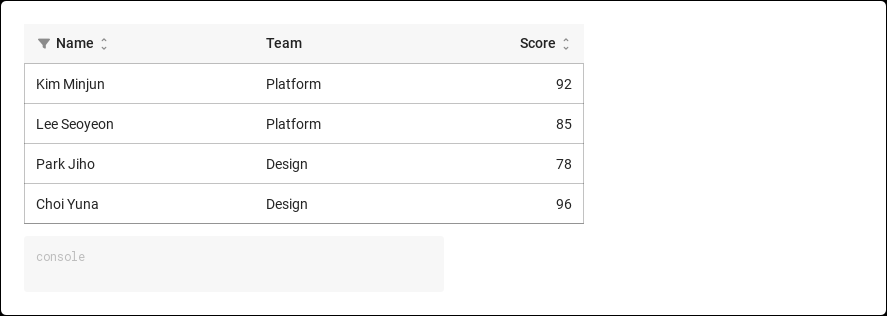
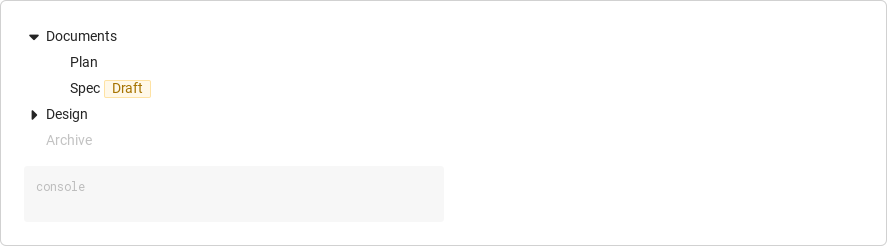
RibbonPanelFormTableTreeTheme
TRY IT YOURSELF
The native Gallery
Browse examples, inspect properties and switch between light and dark themes in a Windows application. The Gallery is for evaluation; commercial SDK access is separate.
The --qml path must contain the Syidax folder. Python uses qml-pure. Run from the unzipped SDK, independently of the source repository.
License is inactive or frozen
Download your QML Core certificate and pass it with --license. Web Core, Chart and Grid certificates do not activate QML. Monthly use ends at expiry. Annual licenses retain only releases covered by their update period.
Qt or plugin mismatch
Check the Qt version and architecture used to build plugins. Do not mix Python Qt bindings. qml-pure removes the compiled plugin ABI dependency.
PDF or icons missing
PDF requires the optional QtQuick.Pdf module. Other Core components remain usable without it. For icon packs and resource paths, read SDK docs/ICON-PACKS.md.
Save failure or corrupt settings
Examples write only to their application-data folder. Check permissions and disk space. Invalid JSON is backed up before reset. A failed save preserves your draft.
Hover or select an item for its QML example and copy button.
Properties
Property
Type
Default
Description
var
[]
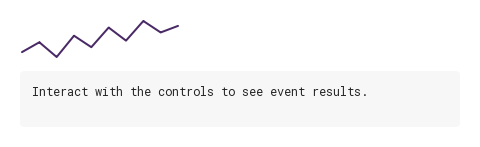
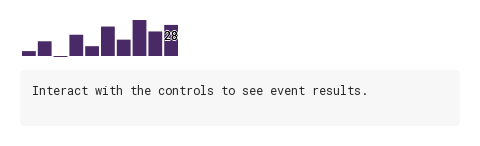
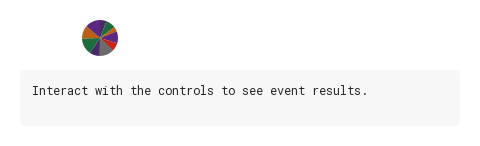
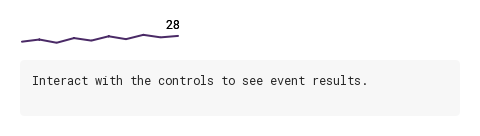
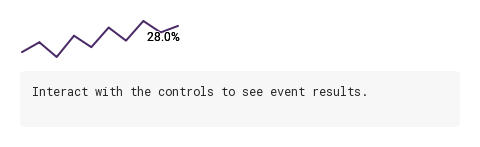
The data: an array, a "1, 2, 3" string or a JSON string; for stock candles as { open, high, low, close } or [o, h, l, c]. Replaced by the parsed array after a method call.
string
"line"
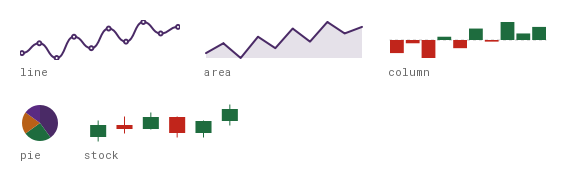
"line" · "area" · "column" · "pie" · "stock".
real
NaN
Pin the vertical range (NaN = from the data). Not for pie.
real
NaN
Pin the vertical range (NaN = from the data). Not for pie.
bool
false
Smooth line/area; curved is the compatibility alias.
bool
false
A dot at every point; off = only the active point (and a lone single point).
bool
false
The label of the active (else last) point.
string
"top"
"top" (falls back to below when there is no room) or "bottom".