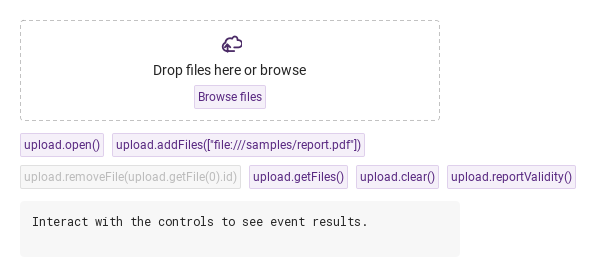
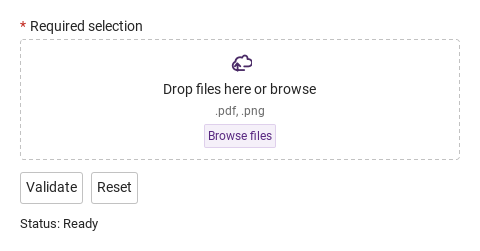
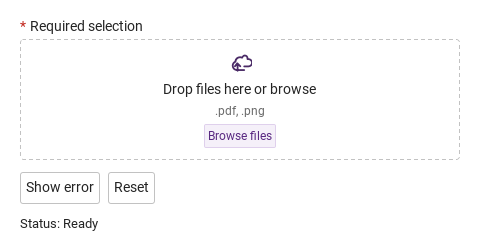
Run with --diagnose --json to check your Qt version, import path, fonts, runtime and license. No license token is printed.
The Gallery evaluation app is available now. Paid SDK sales and downloads are coming soon. The installation examples above preview the SDK workflow.
Tested Windows configurations
Native window and example smoke checks cover the versions below. Qt 6.8 is a source minimum, not a promise of tested support for every Qt release. Gallery uses software rendering.
Two complete application examples
Step-by-step captures from the running Windows applications. Play, pause and inspect each state.
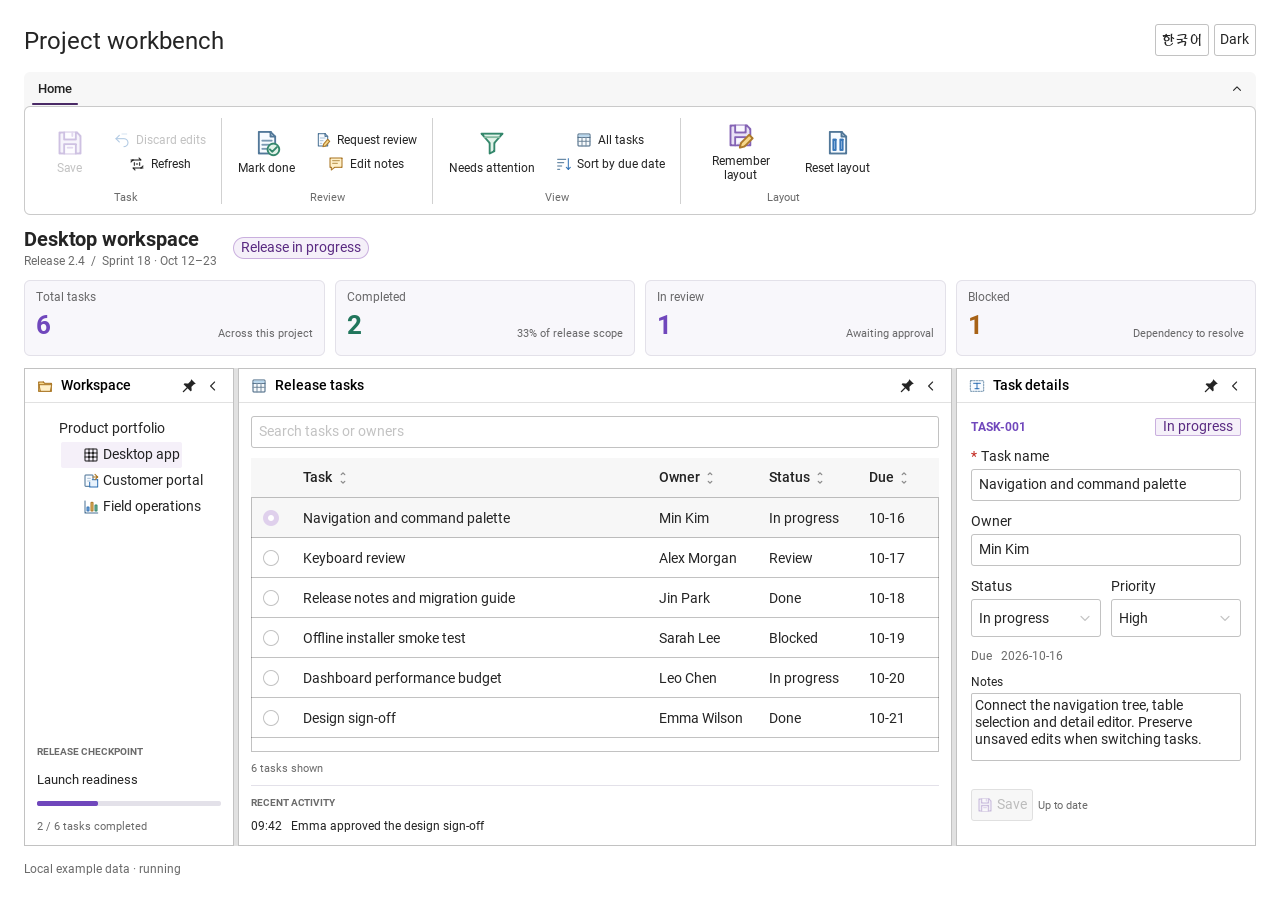
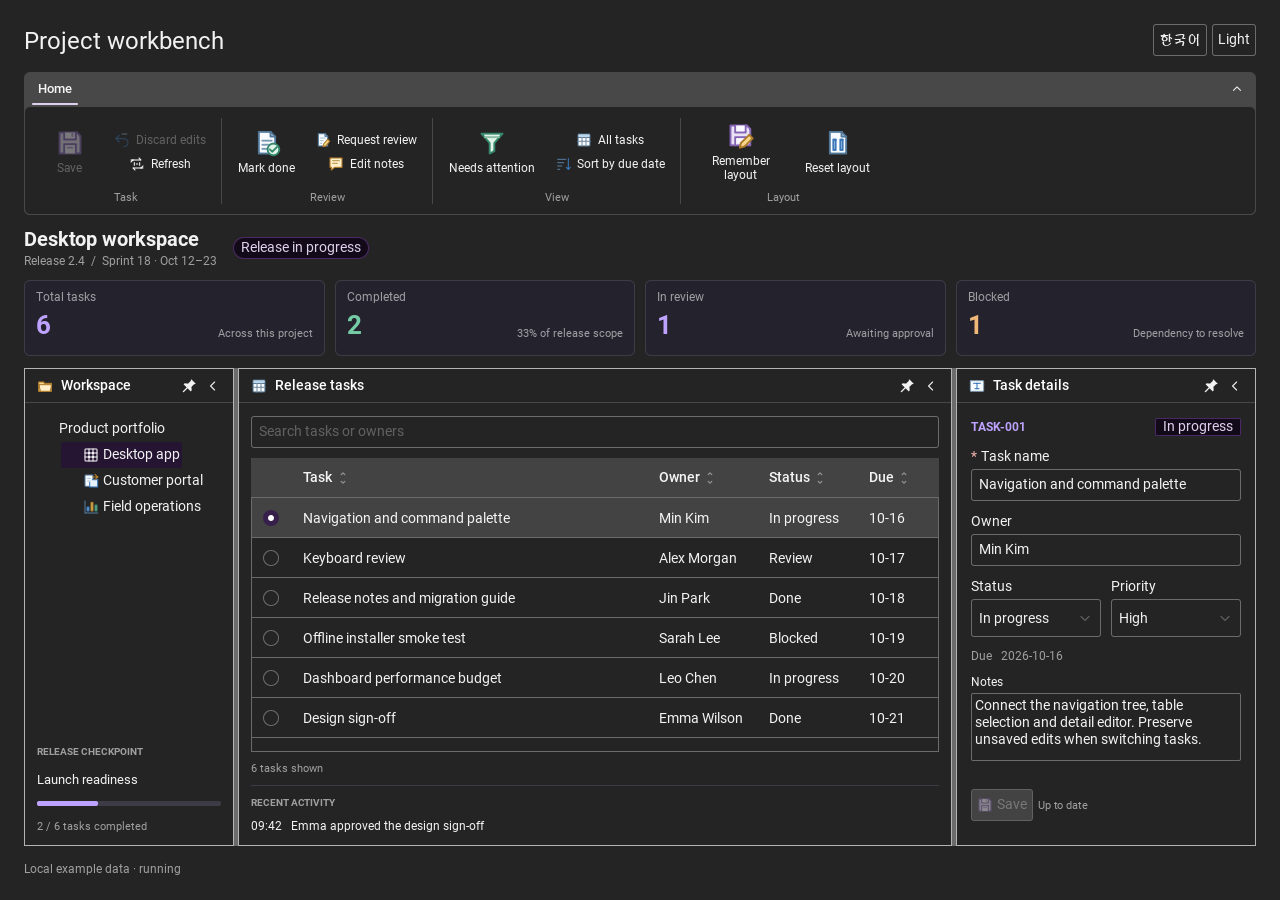
Workbench: mark a task done, save changes and see release progress update.Record Manager: preserve a failed save, retry, search and confirm before deleting.
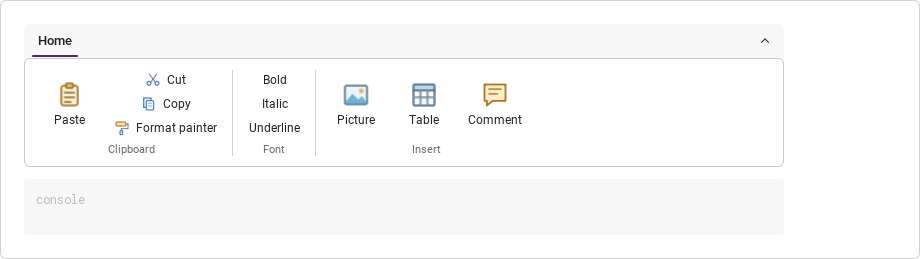
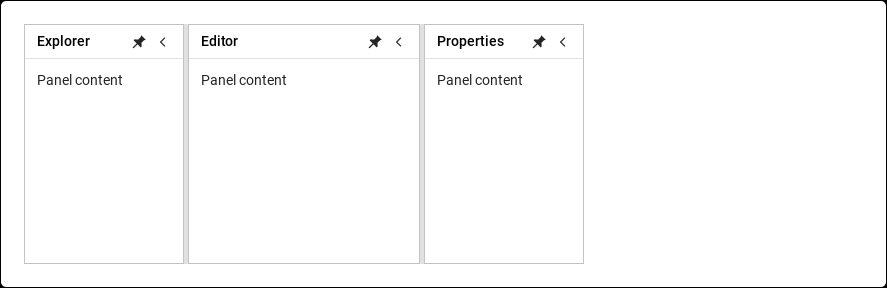
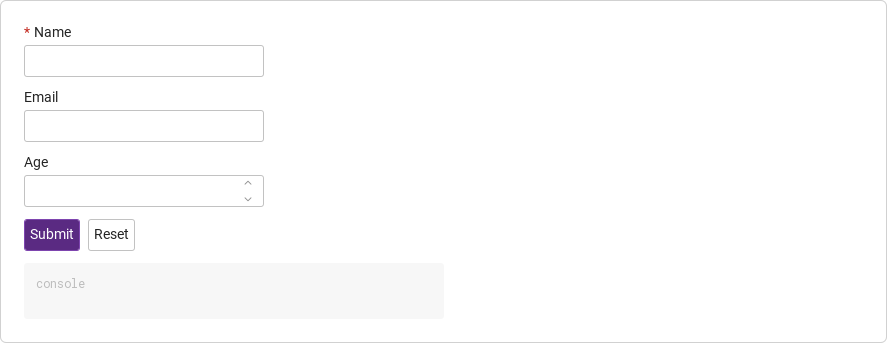
See the components in context
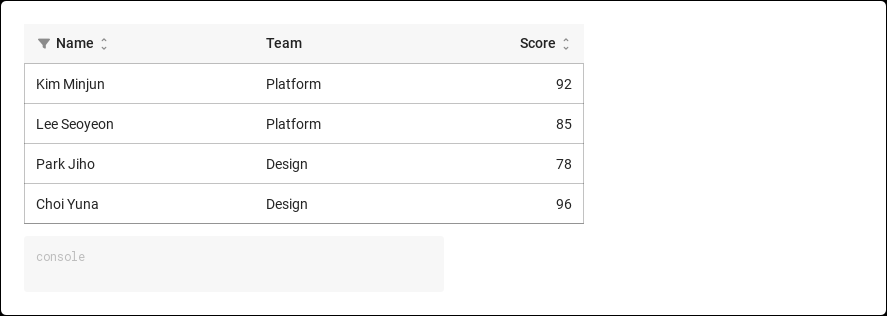
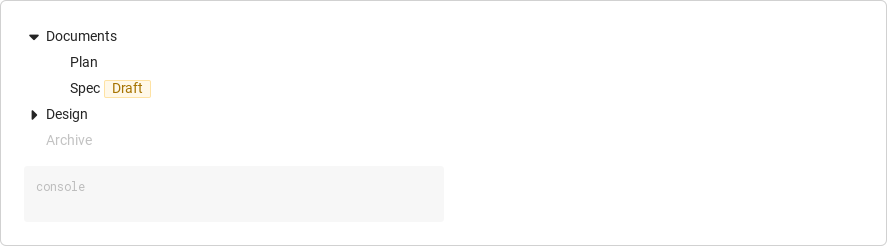
RibbonPanelFormTableTreeTheme
TRY IT YOURSELF
The native Gallery
Browse examples, inspect properties and switch between light and dark themes in a Windows application. The Gallery is for evaluation; commercial SDK access is separate.
The --qml path must contain the Syidax folder. Python uses qml-pure. Run from the unzipped SDK, independently of the source repository.
License is inactive or frozen
Download your QML Core certificate and pass it with --license. Web Core, Chart and Grid certificates do not activate QML. Monthly use ends at expiry. Annual licenses retain only releases covered by their update period.
Qt or plugin mismatch
Check the Qt version and architecture used to build plugins. Do not mix Python Qt bindings. qml-pure removes the compiled plugin ABI dependency.
PDF or icons missing
PDF requires the optional QtQuick.Pdf module. Other Core components remain usable without it. For icon packs and resource paths, read SDK docs/ICON-PACKS.md.
Save failure or corrupt settings
Examples write only to their application-data folder. Check permissions and disk space. Invalid JSON is backed up before reset. A failed save preserves your draft.
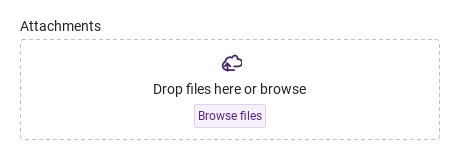
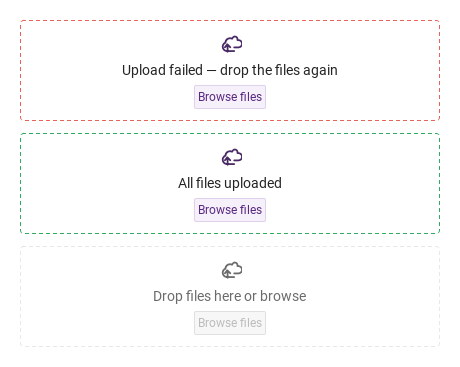
fieldState paints the dropzone border to report the outcome of the app's own upload: "error", "warning" or "success" ("" / "default" for the normal border).
Qt capture · image
Default execution
QML code
import QtQuick
import Syidax.Core

Item {
    implicitWidth: Math.max(360, childrenRect.width)
    implicitHeight: childrenRect.height
    // Focused Gallery routes: keep only the selected API and its prerequisites.
    id: featureStory

    Column {
        spacing: 12
        SyFileUpload { id: featureTarget0; visible: true; width: 420; fieldState: "error"; dragLabel: "Upload failed — drop the files again" }
        SyFileUpload { id: featureTarget1; visible: true; width: 420; fieldState: "success"; dragLabel: "All files uploaded" }
        SyFileUpload { id: featureTarget2; visible: true; width: 420; disabled: true }
    }
}
04 setProgress
The component does not upload.
Qt capture · image
Default execution
QML code
import QtQuick
import Syidax.Core

Item {
    implicitWidth: Math.max(360, childrenRect.width)
    implicitHeight: childrenRect.height
    readonly property alias uploadControl: upload

    Column {
        spacing: 12
        SyFileUpload {
            id: upload
            width: 420
            multiple: true
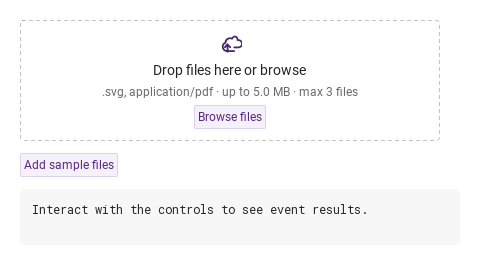
            onSelected: (detail) => detail.files.forEach((file) => story.startUpload(file.id))
        }
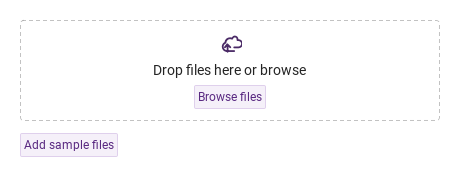
        SyButton { objectName: "upload-samples"; text: "Add sample files"; variant: "secondary"; size: "small"; onClicked: upload.addFiles([Qt.resolvedUrl("../pdf-viewer/docs/quarterly-report.pdf"), Qt.resolvedUrl("../avatar/portrait.svg")]) }
    }
    id: story
    property var uploading: ({})
    function startUpload(id) { uploading[id] = 0; ticker.start() }
    Timer {
        id: ticker
        interval: 120
        repeat: true
        onTriggered: {
            let busy = false
            for (const id in story.uploading) {
                if (story.uploading[id] >= 100) continue
                story.uploading[id] += 10
                busy = true
                if (story.uploading[id] >= 100) upload.setProgress(id, 100, id === "f2" ? "error" : "success")
                else upload.setProgress(id, story.uploading[id])
            }
            if (!busy) ticker.stop()
        }
    }
}
05 selected · rejected · changed · removed
Every file passes metadata/readability and accept/maxFiles/maxSize checks before entering files/formValue.
Several files; otherwise a new pick replaces the queue.
real
0
Max size in bytes, checked once the size is read; 0 = no limit.
int
0
Max number of files in the queue; 0 = no limit.
string
"Browse files"
The Browse button (also the dialog title).
string
"Drop files here or browse"
The text in the zone.
string
""
Replaces the derived limits line under the drag text.
bool
false
No list under the zone.
string
""
"" / default · error · warning · success — paints the border; set by the app.
string
""
The id of the clicked row (setSelectedFile()).
bool (read-only)
—
Files are being dragged over the zone.
string (read-only)
—
While dragging: all · some · none of the files pass accept; "" otherwise.
string (read-only)
—
The helper line actually shown.
list (read-only)
—
What the form submits: files.
bool (read-only)
—
The zone has keyboard focus
bool (read-only)
—
the pointer is over it.
string
""
The frame's title, helper text under the list, custom error copy.
string
""
The frame's title, helper text under the list, custom error copy.
string
""
The frame's title, helper text under the list, custom error copy.
string
"files"
The key in SyForm.values().
bool
false
Everything inert and always valid
bool
false
an empty queue is valueMissing.
read-only
—
Validity: "" · valueMissing · custom; invalid once touched or reported.
read-only
—
Validity: "" · valueMissing · custom; invalid once touched or reported.
read-only
—
Validity: "" · valueMissing · custom; invalid once touched or reported.
real
360
The width when the app sets none.
Methods
Method
Description
Opens the file dialog (filtered by accept, multi-select with multiple). Ignored while disabled.
Every file passes metadata/readability and accept/maxFiles/maxSize checks before entering files/formValue. selected never fires before validation. A rejected file emits rejected({file,reason}) only. validating exposes pending work. Overlapping batches commit in order; clear discards late results. Successful single replacement includes the previous file in changed.removed (no separate removed signal); failure preserves it.
Removes one item; emits removed then changed. Unknown ids are ignored.
Empties the queue; emits changed with every item in removed (no removed signal).
Updates one item's bar (0 … 100) and status (given, or derived from the progress); emits changed.
A copy of the queue.
The item at index (or null); without an index the selected item, else the first, else null.
Highlights that row (what a click does).
Keyboard focus on / off the zone.
Keyboard focus on / off the zone.
Whether the status is "", silently
the same and reveals the error line.
"", "valueMissing" or "custom".
Forces the custom status
clears it.
clear() and the touched / submitted / custom flags off.
Signals
Signal
Arguments
When
detail: { files }
Files were added (dialog, drop, addFiles()); files holds the new items only.
detail: { file, reason }
Validation failed; never added to files.
detail: { files, added, removed }
Accepted additions/replacement/removal/clear/progress. Rejection alone does not emit it.
detail: { file, files }
One file left through its × or removeFile(id). Not for clear().
detail: { files, isValid, status }
The zone gained / lost keyboard focus; blur marks the field touched.
detail: { files, isValid, status }
The zone gained / lost keyboard focus; blur marks the field touched.
Behavior
Item
Behavior / conditions
Every file passes metadata/readability and accept/maxFiles/maxSize checks before entering files/formValue. selected never fires before validation. A rejected file emits rejected({file,reason}) only. validating exposes pending work. Overlapping batches commit in order; clear discards late results. Successful single replacement includes the previous file in changed.removed (no separate removed signal); failure preserves it.
Every file passes metadata/readability and accept/maxFiles/maxSize checks before entering files/formValue. selected never fires before validation. A rejected file emits rejected({file,reason}) only. validating exposes pending work. Overlapping batches commit in order; clear discards late results. Successful single replacement includes the previous file in changed.removed (no separate removed signal); failure preserves it.
Files are being dragged over the zone.
While dragging: all · some · none of the files pass accept; "" otherwise.
Files were added (dialog, drop, addFiles()); files holds the new items only.
Updates one item's bar (0 … 100) and status (given, or derived from the progress); emits changed.
selected({ files }) carries only the new items; for each, call setProgress(id, progress, status) as the upload advances: progress is clamped to 0 … 100; status may be "ready", "uploading", "success" or "error", and when omitted it follows the progress (100 → "success", > 0 → "uploading", 0 → unchanged). Rows show the bar once the status leaves "ready", colored by status; message on an item is shown under the name when present.
selected({ files }) carries only the new items; for each, call setProgress(id, progress, status) as the upload advances: progress is clamped to 0 … 100; status may be "ready", "uploading", "success" or "error", and when omitted it follows the progress (100 → "success", > 0 → "uploading", 0 → unchanged). fieldState paints the border — error · warning · success — to report the app's outcome; the component never sets it.
Rows show the bar once the status leaves "ready", colored by status; message on an item is shown under the name when present. The label sits above, message or the error line below the list.
Accepted additions/replacement/removal/clear/progress. Rejection alone does not emit it.
Removes one item; emits removed then changed. Unknown ids are ignored.
The id of the clicked row (setSelectedFile()).
The item at index (or null); without an index the selected item, else the first, else null.
No list under the zone.
The queue: [{ id, name, size, type, progress, status, message, url }]. Read it; change it through the methods.
disabled dims the zone and the rows, blocks click, drop, focus and keys, and ignores open() / addFiles(); the status is then always "".
Opens the file dialog (filtered by accept, multi-select with multiple). Ignored while disabled.
Every file passes metadata/readability and accept/maxFiles/maxSize checks before entering files/formValue. selected never fires before validation. A rejected file emits rejected({file,reason}) only. validating exposes pending work. Overlapping batches commit in order; clear discards late results. Successful single replacement includes the previous file in changed.removed (no separate removed signal); failure preserves it.
"" / default · error · warning · success — paints the border; set by the app.
required and an empty queue → valueMissing; setCustomError() → custom; disabled → "".
required and an empty queue → valueMissing; setCustomError() → custom; disabled → "".
The error line shows once the field is touched (a file was added or the zone lost focus) or after reportValidity().
The key in SyForm.values().
name is "files" by default; SyForm.values() receives the queue (formValue), i.e. the list of file items with their urls.
What the form submits: files.
The width when the app sets none.
the zone is at least 96 px tall and as wide as the field: preferredWidth 360 unless the app sets width.
The label sits above, message or the error line below the list.
Validation and event order
Item
Behavior / conditions
Only files passing metadata/readability/type/count/size checks enter files/formValue and emit selected. Pending files stay private while validating. Overlapping batches commit in call order; clear discards late results. hideFiles never bypasses validation. Valid single replacement includes the old file in changed.removed; rejected replacement preserves it. MIME/accept checks use extensions, not content inspection.
For hosts without Qt.labs.folderlistmodel, register Theme.fileMetadataProvider with fileSize(url) returning readable bytes or -1. The packaged C++ and Python hosts include this adapter.