QML
← 전체 컴포넌트

Button Group

서로 관련된 작업 버튼을 가로나 세로로 묶어 배치합니다.

import Syidax.Core.ButtonGroup

지원 QML 타입

타입정의 / 역할
여러 버튼을 하나의 연결된 묶음으로 배치합니다.

예제로 보기

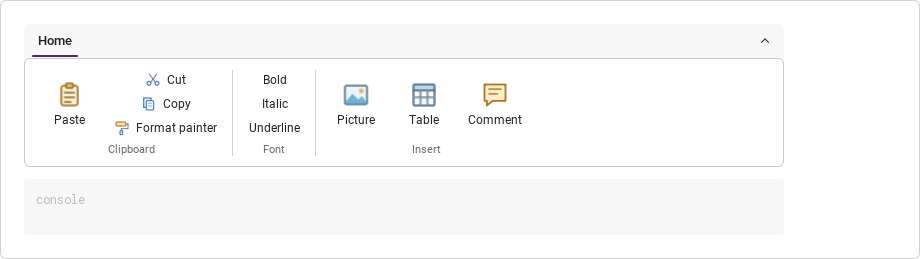
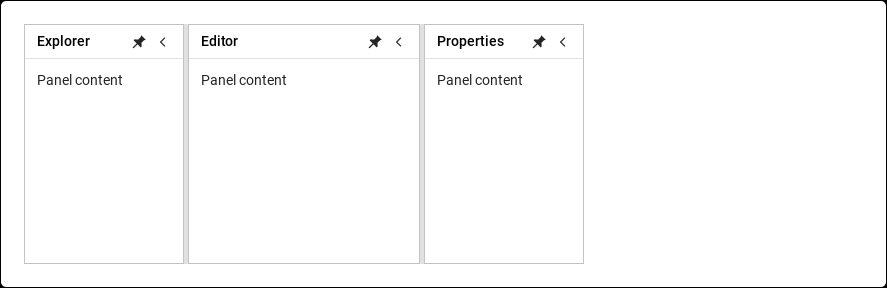
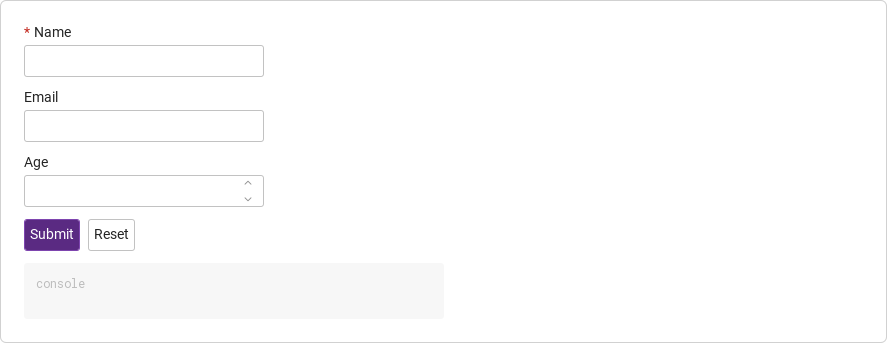
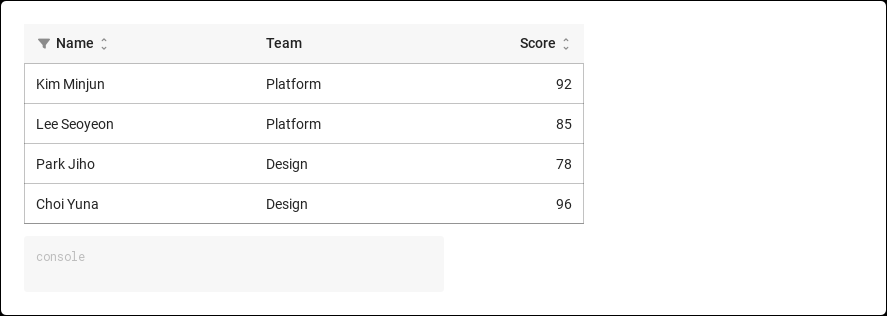
미리보기는 Qt 실행 화면의 이미지입니다. 아래 버튼으로 결과를 전환하세요.

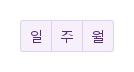
01 기본 구성

SyButtonGroup은 안에 선언한 SyButton들을 세그먼트 컨트롤 하나로 합칩니다.

Qt 실행 화면 · 이미지
기본 구성 · 기본
기본 실행 화면
QML 코드
import QtQuick
import Syidax.Core

Item {
    implicitWidth: Math.max(360, childrenRect.width)
    implicitHeight: childrenRect.height
    id: story

    property QtObject settings: QtObject {
        id: storyArgs
        property string variant: "secondary"
        property string size: "medium"
        property bool vertical: false
    }


    SyButtonGroup {
        variant: storyArgs.variant
        size: storyArgs.size
        vertical: storyArgs.vertical
        SyButton { text: "일" }
        SyButton { text: "주" }
        SyButton { text: "월" }
    }

}

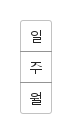
02 vertical

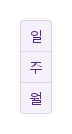
vertical: true는 버튼을 왼쪽에서 오른쪽이 아니라 위에서 아래로 쌓습니다.

Qt 실행 화면 · 이미지
vertical · 기본
QML 코드
import QtQuick
import Syidax.Core

Item {
    implicitWidth: Math.max(360, childrenRect.width)
    implicitHeight: childrenRect.height
    property QtObject settings: QtObject {
        id: storyArgs
        property bool vertical: true
    }


    SyButtonGroup {
        vertical: storyArgs.vertical
        SyButton { text: "일" }
        SyButton { text: "주" }
        SyButton { text: "월" }
    }
}

03 clicked

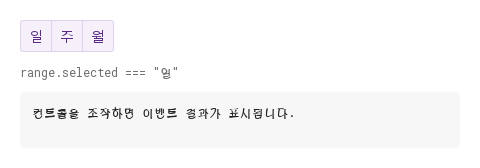
그룹에는 고유 시그널이 없습니다.

Qt 실행 화면 · 이미지
clicked · 기본
QML 코드
import QtQuick
import Syidax.Core

Item {
    component EventLog: Rectangle {
        id: logBox
        property var lines: []
        implicitWidth: 440
        implicitHeight: Math.max(56, logText.implicitHeight + 24)
        radius: 4; color: Theme.semantic.backgroundBold
        function log(value) { lines = lines.slice(-3).concat([String(value)]) }
        Text {
            id: logText; x: 12; y: 12; width: parent.width - 24
            text: logBox.lines.length ? logBox.lines.join("\n") : "컨트롤을 조작하면 이벤트 결과가 표시됩니다."
            wrapMode: Text.Wrap; color: Theme.semantic.textDefault
            font.family: Theme.monoFontFamily; font.pixelSize: 12
        }
    }

    implicitWidth: Math.max(360, childrenRect.width)
    implicitHeight: childrenRect.height

    Column {
        spacing: 12
        SyButtonGroup {
            id: range
            variant: "secondary"
            property string selected: "일"
            function pick(button) { selected = button.text; output.log(("범위: %1").arg(selected)) }
            SyButton { id: exampleControl1;  text: "일"; onClicked: range.pick(this) }
            SyButton { id: exampleControl2;  text: "주"; onClicked: range.pick(this) }
            SyButton { id: exampleControl3;  text: "월"; onClicked: range.pick(this) }
        }
        Text {
            text: "range.selected === " + JSON.stringify(range.selected)
            font.family: Theme.monoFontFamily
            font.pixelSize: 12
            color: Theme.semantic.textSubtle
        }
        EventLog { id: output }
    }
}

04 세로 버튼 묶음

vertical 설정을 적용한 세로 버튼 묶음 예제입니다.

Qt 실행 화면 · 이미지
세로 버튼 묶음 · 실행 결과
기본 실행 화면
QML 코드
import QtQuick
import Syidax.Core

Item {
    implicitWidth: Math.max(360, childrenRect.width)
    implicitHeight: childrenRect.height
    id: story

    property QtObject settings: QtObject {
        id: storyArgs
        property string variant: "secondary"
        property string size: "medium"
        property bool vertical: true
    }


    SyButtonGroup {
        variant: storyArgs.variant
        size: storyArgs.size
        vertical: storyArgs.vertical
        SyButton { text: "일" }
        SyButton { text: "주" }
        SyButton { text: "월" }
    }

}

API 16

항목을 가리키거나 선택하면 QML 예제와 복사 버튼이 나타납니다.

속성

속성타입기본값설명
string"default"레이아웃할 때마다 모든 버튼에 써넣어집니다: default · primary · secondary · borderless.
string"medium"레이아웃할 때마다 모든 버튼에 써넣어집니다: small · medium · large.
boolfalsetrue이면 버튼을 위에서 아래로 쌓고, 각진 모서리도 그에 맞춥니다.
boolfalse나란히 배치일 때만: 모든 버튼이 그룹 width를 똑같이 나눠 가집니다(그룹의 width를 정하세요).
list(읽기 전용)—그룹의 SyButton 자식들, 선언 순서(숨긴 것 포함).
Item…—기본 속성. 그룹 안에 선언한 버튼들입니다.

메서드

메서드설명
그룹에는 공개 메서드가 없습니다. buttons[i]를 통해 버튼을 움직이십시오(setFocus(), setBlur(), setClick()).

시그널

시그널인자발생 시점
—그룹은 시그널을 발생시키지 않습니다. 안의 각 SyButton이 자기 clicked()를 발생시킵니다.

동작

항목동작 / 조건
숨긴 버튼(visible: false)은 건너뛰고 이웃의 모서리를 다시 계산합니다.
레이아웃할 때마다 모든 버튼에 써넣어집니다: default · primary · secondary · borderless.
레이아웃할 때마다 모든 버튼에 써넣어집니다: small · medium · large.
true이면 버튼을 위에서 아래로 쌓고, 각진 모서리도 그에 맞춥니다.
그룹은 각 버튼에 groupPosition(first · middle · last)과 groupVertical을 써넣고, 버튼은 이웃을 향한 모서리를 각지게 그립니다. 보이는 버튼이 하나뿐인 그룹은 네 모서리를 모두 둥글게 둡니다.
활성 포커스를 가진 버튼은 z: 2, 나머지는 z: 1을 받아 포커스 링이 이웃의 테두리에 잘리지 않습니다.
각 버튼은 자기 clicked()를 유지합니다. 그룹은 시그널도, 선택도, 강조 상태도 더하지 않습니다. Tab이 버튼에서 다음 버튼으로 포커스를 옮기고 Space가 포커스된 버튼을 실행합니다. SyButton(과 그 파생 타입)만 참여합니다 — 안에 선언한 다른 아이템은 레이아웃이 무시하지만 그룹 크기에는 포함됩니다.
그룹은 자신을 그룹핑으로 알리고, 각 버튼은 자기 이름을 유지합니다.