QML
← 전체 컴포넌트

Skeleton

콘텐츠를 불러오는 동안 실제 내용과 비슷한 형태의 자리 표시를 보여 줍니다.

import Syidax.Core.Skeleton

지원 QML 타입

타입정의 / 역할
콘텐츠를 불러오는 동안 자리와 형태를 보여주는 임시 표시입니다.

예제로 보기

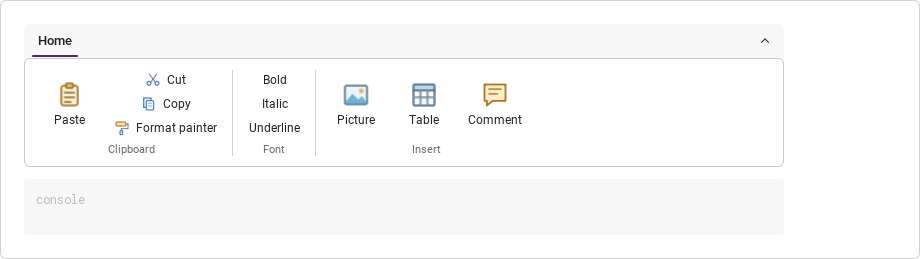
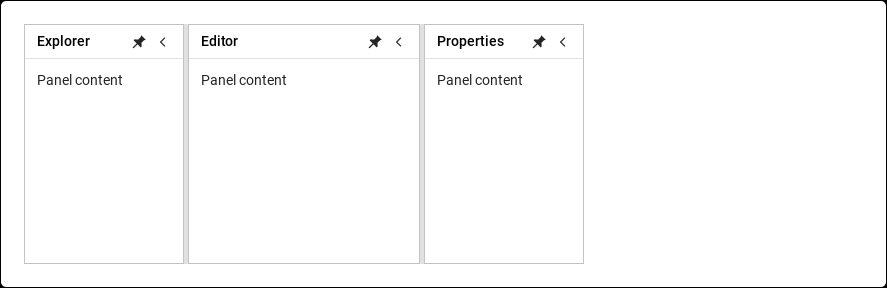
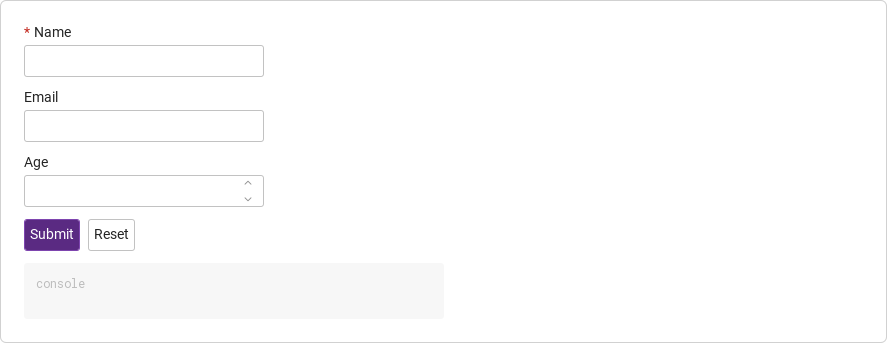
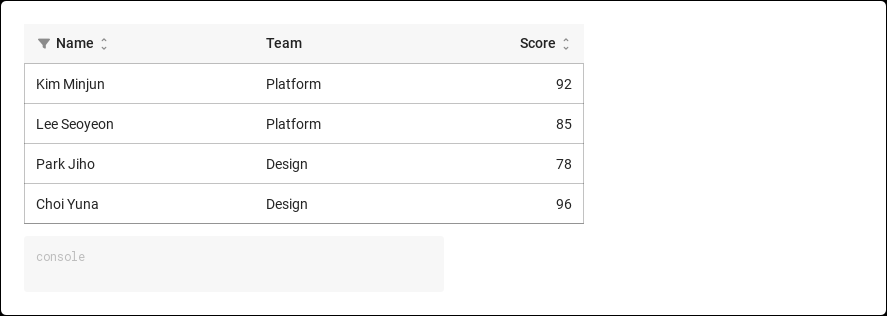
미리보기는 Qt 실행 화면의 이미지입니다. 아래 버튼으로 결과를 전환하세요.

01 기본 구성

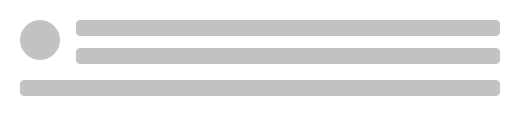
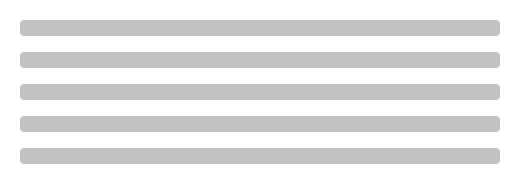
SySkeleton은 아직 불러오는 중인 내용의 모양대로 회색 자리 표시 블록을 그립니다 — 텍스트 줄, 줄이 딸린 아바타, 이미지 타일, 버튼, 표, 트리 — 그래서 실제 내용이 도착해도 레이아웃이 튀지 않습니다.

Qt 실행 화면 · 이미지
기본 구성 · 기본
기본 실행 화면
QML 코드
import QtQuick
import Syidax.Core

Item {
    implicitWidth: Math.max(360, childrenRect.width)
    implicitHeight: childrenRect.height
    id: story

    property QtObject settings: QtObject {
        id: storyArgs
        property string type: "text"
        property int rows: 3
        property bool disabled: false
        property int columns: 0
    }


    SySkeleton {
        width: 480
        type: storyArgs.type
        rows: storyArgs.rows
        disabled: storyArgs.disabled
        columns: storyArgs.columns
    }

}

02 type

type은 블록의 배치를 고릅니다(rows = 개수, 최소 하나):

Qt 실행 화면 · 이미지
type · 기본
QML 코드
import QtQuick
import Syidax.Core

Item {
    implicitWidth: Math.max(360, childrenRect.width)
    implicitHeight: childrenRect.height
    property QtObject settings: QtObject {
        id: storyArgs
        property string type: "avatar"
    }


    SySkeleton { width: 480; type: storyArgs.type; rows: 3 }
}

03 rows

rows는 블록 수입니다: 텍스트 줄, 갤러리 행, 버튼, 표 행, 트리 줄.

Qt 실행 화면 · 이미지
rows · 기본
기본 실행 화면
QML 코드
import QtQuick
import Syidax.Core

Item {
    implicitWidth: Math.max(360, childrenRect.width)
    implicitHeight: childrenRect.height
    property QtObject settings: QtObject {
        id: storyArgs
        property int rows: 5
    }


    SySkeleton { width: 480; rows: storyArgs.rows }
}

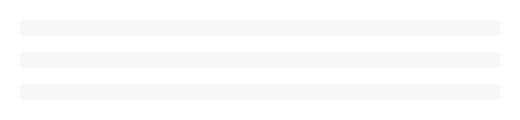
04 disabled

disabled: true는 모든 블록을 가장 옅은 배경색으로 그리고 반짝임을 멈춥니다 — 지금 실제로 불러오는 중이 아닌 영역(아직 도달하지 않은 단계, 잠긴 패널)을 위한 평평하고 조용한 자리 표시입니다.

Qt 실행 화면 · 이미지
disabled · 기본
QML 코드
import QtQuick
import Syidax.Core

Item {
    implicitWidth: Math.max(360, childrenRect.width)
    implicitHeight: childrenRect.height
    property QtObject settings: QtObject {
        id: storyArgs
        property bool disabled: true
    }


    SySkeleton { width: 480; type: "avatar"; rows: 2; disabled: storyArgs.disabled }
}

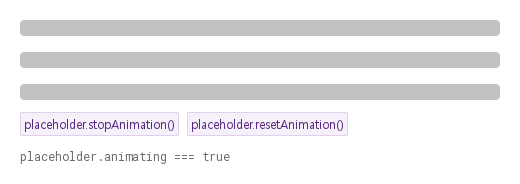
05 stopAnimation · resetAnimation

stopAnimation()은 반짝임을 멈추고 resetAnimation()은 다시 시작합니다.

Qt 실행 화면 · 이미지
stopAnimation · resetAnimation · 기본
QML 코드
import QtQuick
import Syidax.Core

Item {
    implicitWidth: Math.max(360, childrenRect.width)
    implicitHeight: childrenRect.height
    // Focused Gallery routes: keep only the selected API and its prerequisites.
    id: featureStory

    Column {
        spacing: 12
        SySkeleton { id: placeholder; width: 480; rows: 3 }
        Row {
            spacing: 8
            SyButton { id: exampleControl1;  visible: true; text: "placeholder.stopAnimation()"; variant: "secondary"; size: "small"; onClicked: placeholder.stopAnimation() }
            SyButton { id: exampleControl2;  visible: true; text: "placeholder.resetAnimation()"; variant: "secondary"; size: "small"; onClicked: placeholder.resetAnimation() }
        }
        Text {
            text: "placeholder.animating === " + placeholder.animating
            font.family: Theme.monoFontFamily
            font.pixelSize: 12
            color: Theme.semantic.textSubtle
        }
    }
}

06 정지된 자리 표시자

disabled 설정을 적용한 정지된 자리 표시자 예제입니다.

Qt 실행 화면 · 이미지
정지된 자리 표시자 · 실행 결과
기본 실행 화면
QML 코드
import QtQuick
import Syidax.Core

Item {
    implicitWidth: Math.max(360, childrenRect.width)
    implicitHeight: childrenRect.height
    id: story

    property QtObject settings: QtObject {
        id: storyArgs
        property string type: "text"
        property int rows: 3
        property bool disabled: true
        property int columns: 0
    }


    SySkeleton {
        width: 480
        type: storyArgs.type
        rows: storyArgs.rows
        disabled: storyArgs.disabled
        columns: storyArgs.columns
    }

}

API 24

항목을 가리키거나 선택하면 QML 예제와 복사 버튼이 나타납니다.

속성

속성타입기본값설명
string"text""text" · "avatar" · "image" · "gallery" · "button" · "table" · "tree" — 블록 배치. 그 밖의 문자열은 아무것도 그리지 않습니다.
int0블록 수(줄, 타일 행, 버튼, 표 행, 트리 줄). 0 이하는 하나로 칩니다. avatar / image에서 0은 가운데 블록 하나를 그립니다.
boolfalse가장 옅은 배경색의 평평한 블록, 반짝임 꺼짐.
int0표의 열 수. 0 = 너비에서 계산(2 … 6). type: "table"에서만 쓰입니다.
bool (읽기 전용)true반짝임의 활성 플래그: stopAnimation() 뒤 false, resetAnimation() 뒤 true. disabled나 모션 감소는 반영하지 않습니다.
int (읽기 전용)—위 규칙을 적용한 실제 개수.
bool (읽기 전용)—아바타 / 이미지 배치 중 어느 것이 쓰이는지.
color (읽기 전용)—블록 색(disabled에 따라 다름)과 하이라이트 색.

메서드

메서드설명
반짝임의 활성 플래그를 끕니다. animating이 false가 되고 쓸기가 멈춥니다. 인자 없음, 반환값 없음, 반복 호출해도 안전합니다.
플래그를 다시 켭니다. animating이 true가 되고 쓸기가 루프를 이어 갑니다(disabled나 Theme.reducedMotion이 멈춰 두지 않는 한). 인자 없음, 반환값 없음.

시그널

항목동작 / 조건
SySkeleton은 자체 시그널을 선언하지 않습니다. 속성 변경 시그널 중 onAnimatingChanged가 유용합니다.

동작

항목동작 / 조건
너비와 높이 — 스켈레톤은 준 너비를 채우고(width, 앵커 또는 Layout.fillWidth; 암시적 320 px) 암시적 높이를 블록에서 정합니다: 텍스트 줄 하나에 16 px, 행 사이 16 px.
"text" · "avatar" · "image" · "gallery" · "button" · "table" · "tree" — 블록 배치. 그 밖의 문자열은 아무것도 그리지 않습니다.
블록 수(줄, 타일 행, 버튼, 표 행, 트리 줄). 0 이하는 하나로 칩니다. avatar / image에서 0은 가운데 블록 하나를 그립니다.
표의 열 수. 0 = 너비에서 계산(2 … 6). type: "table"에서만 쓰입니다.
반짝임의 활성 플래그: stopAnimation() 뒤 false, resetAnimation() 뒤 true. disabled나 모션 감소는 반영하지 않습니다.
가장 옅은 배경색의 평평한 블록, 반짝임 꺼짐.
반짝임의 활성 플래그를 끕니다. animating이 false가 되고 쓸기가 멈춥니다. 인자 없음, 반환값 없음, 반복 호출해도 안전합니다.
플래그를 다시 켭니다. animating이 true가 되고 쓸기가 루프를 이어 갑니다(disabled나 Theme.reducedMotion이 멈춰 두지 않는 한). 인자 없음, 반환값 없음.
역할 Indicator, 이름 "Loading". 스켈레톤은 포인터 입력을 받지 않습니다.

키보드

항목동작 / 조건
유지할 레이아웃이 없는 짧은 기다림에는 SySpinner, 로딩 뒤 보여 줄 것이 없는 상태에는 SyEmpty, 측정된 진행에는 SyProgressBar / SyProgressCircular.